Understanding HTML Tags and Elements
INTRODUCTION
When you search a website, you get a page that has some styling design and buttons, but before styling and functionality, there is something else, yes, you are thinking correctly, it’s the structure.
Every design needs a structure before any colouring, and every website needs a structure before it can be functional.
Now you might be thinking, who provides this structure? If you’re thinking, let’s begin this blog.
A website is composed of three primary elements: HTML, CSS, and JavaScript.
Think of it like:-
🧱 HTML = Skeleton of a webpage
🎨 CSS = Skin & clothes
🧠 JavaScript = Brain & logic
Let’s understand HTML and its need.
What is HTML and Why Do We Use It?
HTML stands for Hyper Text Markup Language. Before understanding HTML, we need to understand the problem with normal text.
Before websites, computers used to store and share text files, reports and documents. But the problem is, it is simply plain text; there is no structure in those files, so it is very difficult to understand the actual meaning of the text because paragraphs, new lines, bold and highlighting everything have a meaning that the reader can understand. To solve this problem, world wide web (www) created a language known as HTML.
Its name is Hypertext Markup Language. The hypertext solves the problem of linking between the 2 documents or files by using hyper links we can connect two files or document that is why its name is Hypertext.
Markup means marking content with meaning because each tag has its own semantic meaning that how using that tag in HTML markup affects the content.
It is a language because it provides a structure which computer can understand, which is why it is known as a language
So HTML literally means:
A language to mark text so it can be linked and structured
What is an HTML tag?
Before understanding what an HTML tag is, we need to understand why we need it.
The need of html tag is that even though we have HTML, it is just simple text, so the problem is how browsers know which one is a tag and which one is text. To solve this problem www create a symbol known as a tag.
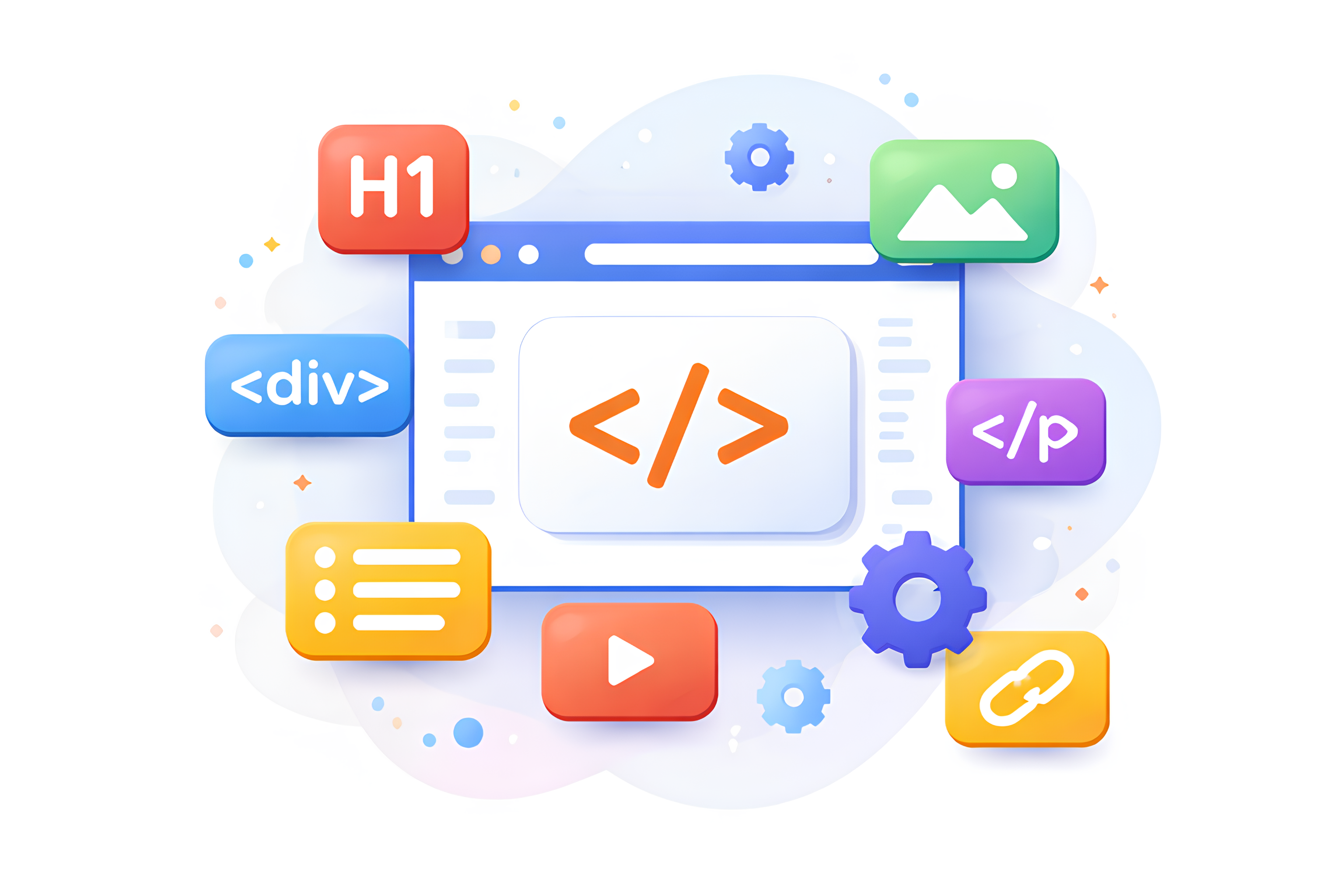
Now, an HTML tag is a special keyword written inside angle brackets < > that tells the browser what a piece of content is.
An HTML tag’s structure is:-
<tagname>
Tags are of two types:-
a) Opening tag:-
It helps the browser to understand where a particular tag starts.
It is written like <tagname>
b) Closing tag:-
It helps the browser to understand where a particular tag ends.
It is written like </tagname>
Between these two tags, we have content:-
<h1>This is a heading</h1>
content- This is a heading
What an HTML element means
When all the 3 component, the opening tag, the content, and the closing tag, get together and make a structure, it is known as an HTML element. It is called an element because it is the basic building block of a website.
Tag vs Element (Very Important)
Tag:
<p>
Element:
<p>Hello</p>
Rule:
A tag is just a label
An element is a complete structure
Element as a Box Concept
Think of an element like a box:
-----------------------
| Opening tag         |
| Content             |
| Closing tag         |
-----------------------
Everything inside this box is one unit.
Self-closing (void) elements
Not all the element have closing tag. Some of the elements don’t need any closing tag because they don’t wrap any content.
The elements which are complete by themself known as self-closing elements or void elements.
Simple Definition:
A self-closing (void) element is an HTML element that does not need a closing tag because it has no content inside it.
Ex:-
<img src="photo.jpg">
<br>
<hr>
<input type="text">
<meta charset="UTF-8">
<link rel="stylesheet" href="style.css">
Old Style vs Modern Style
Old XHTML style:
<img src="image.png" />
Modern HTML5 style:
<img src="image.png">
Both work, but HTML5 does not require /.
Block-level vs inline elements
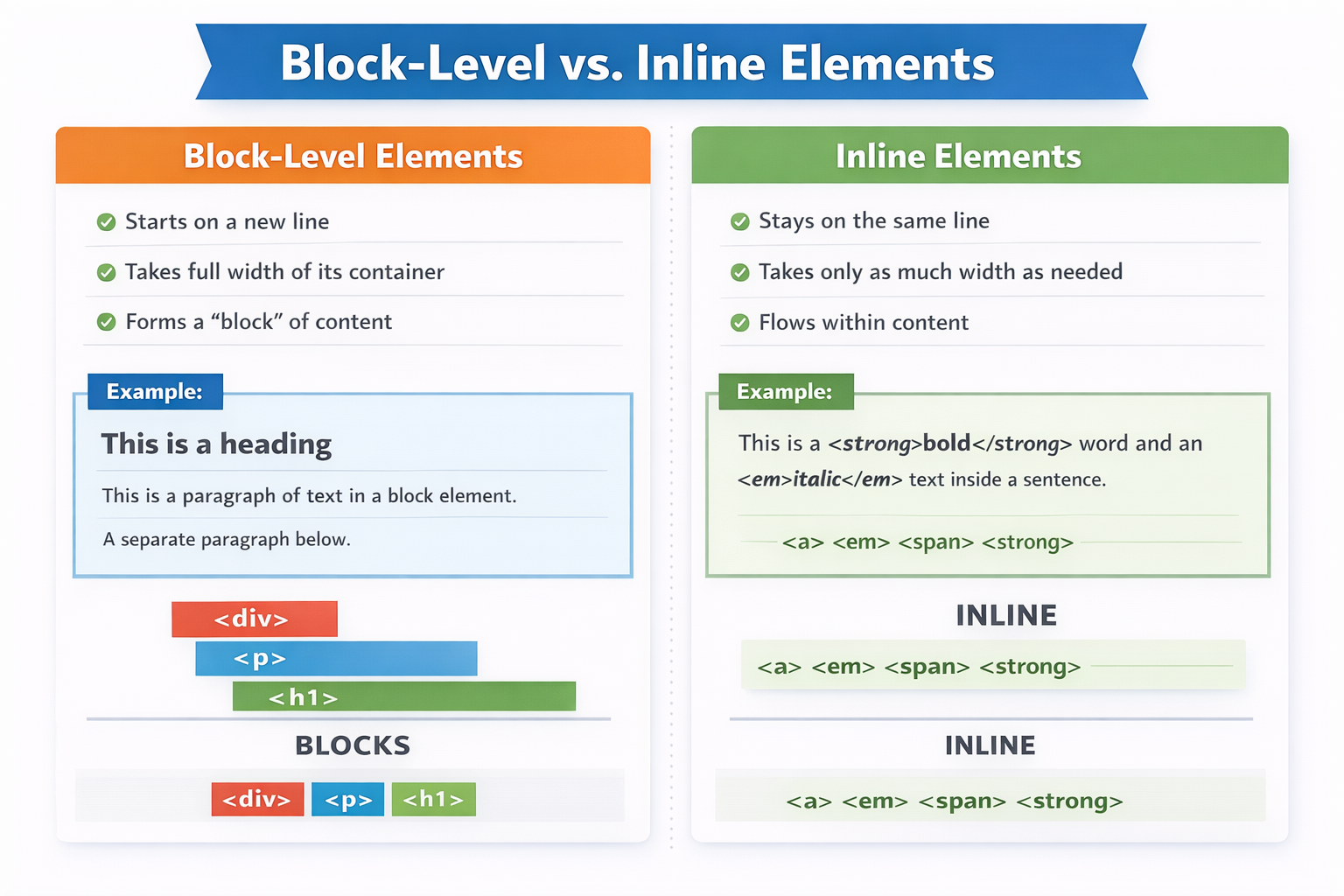
Commonly used HTML tags
HTML has many tags, but you don’t need to learn everything at once.
As a beginner, you should focus on the core tags that are used in almost every website.
These tags build structure, content, and basic interaction.
🧱 Structure & Layout Tags
<html>     → Root of the page
<head>     → Page info (title, meta, links)
<body>     → Visible content
<div>      → Container / layout block
<section>  → Page section
<header>   → Top section
<footer>   → Bottom section
📝 Text Content Tags
<h1> to <h6> → Headings
<p>         → Paragraph
<span>      → Inline text container
<br>        → Line break
<hr>        → Divider line
🔗 Link & Media Tags
<a>     → Link
<img>   → Image
Example:
<a href="#">Click me</a>
<img src="photo.jpg">
🧾 Form & Input Tags
<form>     → Form container
<input>    → Input field
<textarea> → Text input area
<button>   → Button
<label>    → Input label
🧩 List Tags
<ul> → Unordered list
<ol> → Ordered list
<li> → List item
Example:
<ul>
  <li>Apple</li>
  <li>Banana</li>
</ul>
🧠 Metadata & System Tags
<title> → Page title
<meta>  → Page info
<link>  → External file link
These are the all you need to learn.
Don’t forget to follow me .
Let’s meet in another blog with another web-dev topic.
Let’s Explore WebDev.
Comments
Join the discussionNo comments yet. Be the first to comment.