Git for Beginners: Basics and Essential Commands
INTRODUCTION
When we start our journey in web development, we often believe that we can build an entire product on our own. However, as we gain experience, we realise that building real-world applications requires knowledge from multiple domains such as backend, AI, cybersecurity, and more.
To solve complex problems, we often take help from other developers and share our code with them. However, sharing code manually can quickly become a mess.
Imagine sharing code using a pendrive. One person fixes a bug, another adds new features, and soon no one knows what exactly changed, where the bug was fixed, or which version of the code is the correct one. Collaboration becomes slow, confusing, and risky.
This is where a distributed version control system comes into play. It helps track every change made by every developer and allows multiple people to work on the same project safely. Git is such a system, and GitHub is a platform that helps host and manage Git repositories.
What is Git?
Git is a distributed version control system that helps track every change made to a codebase and allows multiple developers to work on the same project safely.
Why Git is Used
Git is used because it solves two major problems:
It tracks every change made to a codebase, preventing the project from becoming messy or inconsistent.
It allows multiple developers to work on the same project simultaneously without overwriting each other’s work.
Git Basics and Core Terminologies
Before understanding Git, we need to learn some basic and core terminologies.
Repository
A repository is a folder that contains your project’s code and its complete change history. Git tracks all files inside this folder.
Commit
A commit is a snapshot of the project that saves all the changes added to the staging area into the repository.
Branch
A branch is a separate line of development that allows developers to work on changes independently without affecting the main codebase.
Head
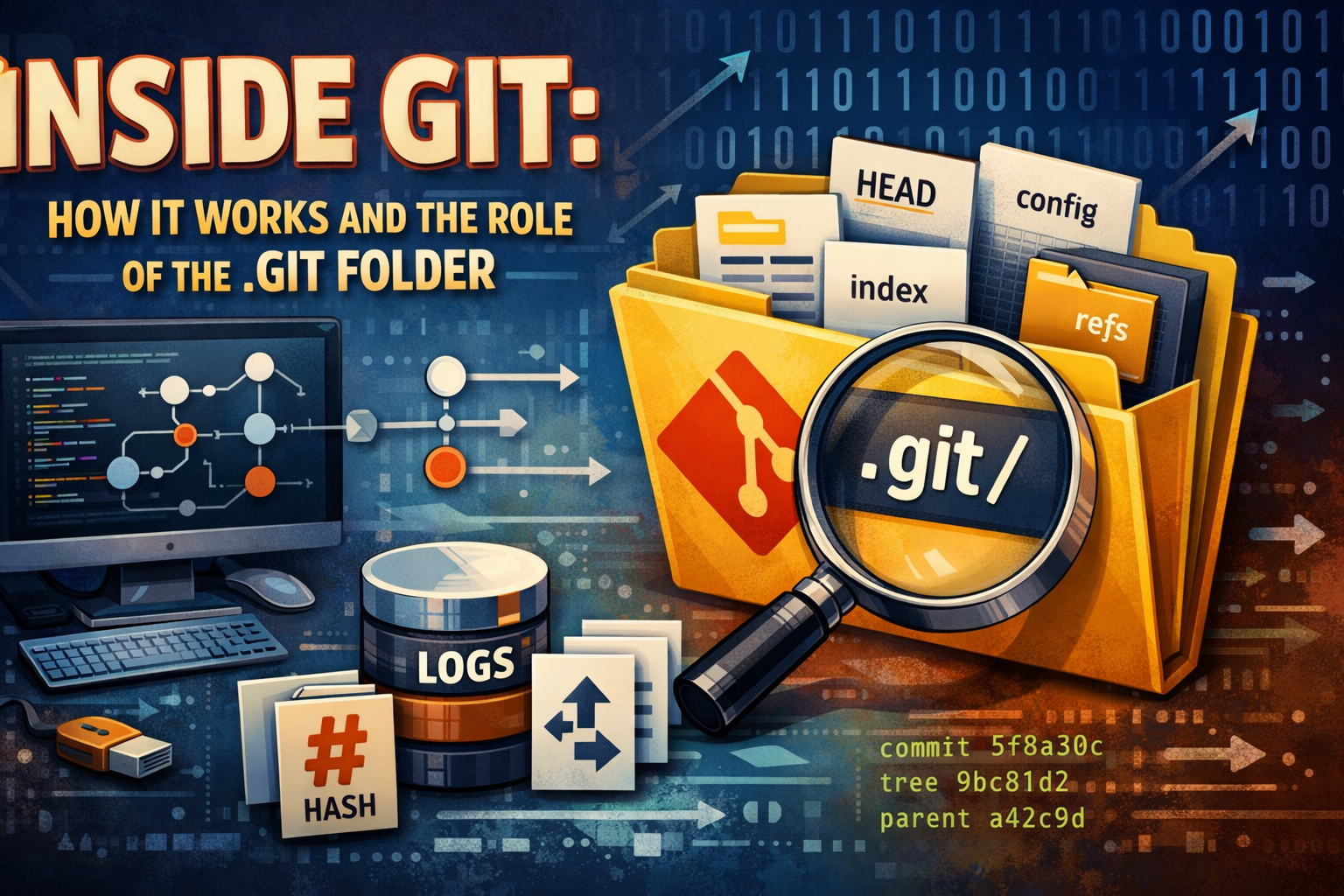
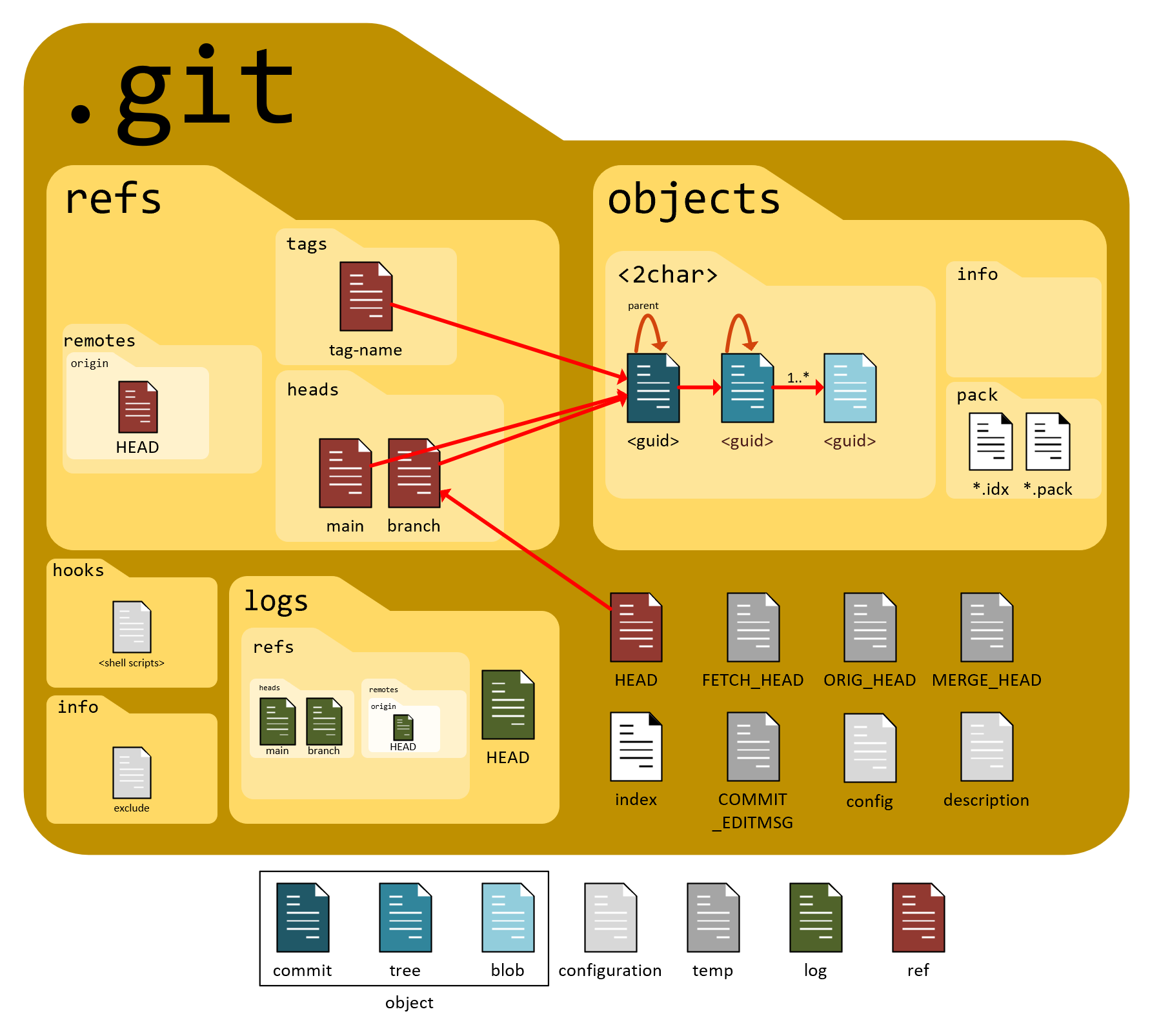
HEAD is a pointer that refers to the current commit in the repository. It tells Git where you are currently working in the project’s history.
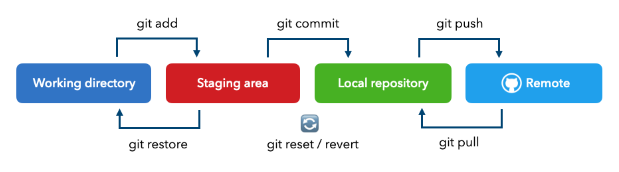
Git Workflow (Working Directory → Staging Area → Repository)
The Git workflow consists of three main stages:
Working Directory: This is the directory where you create, edit, and modify files.
Staging Area: This is an intermediate area where you select and prepare changes before committing them.
Repository: This is where Git permanently stores committed changes along with the complete history of the project.
Common Git Commands
git init
This command initializes a new Git repository inside the current working directory.
git init
git status
This command shows the current status of the working directory, including which files are tracked, untracked, or staged by Git.
git status
git add
This command adds new or modified files from the working directory to the staging area, preparing them for a commit.
git add .
This stages all new and modified files in the current directory and its subdirectories.git add .git add
This stages only a specific file, giving more control over what changes are included in the commit.git add index.html
git commit
This command saves the changes that are already added to the staging area into the repository as a new commit.
git commit -m "Commit message"
git log
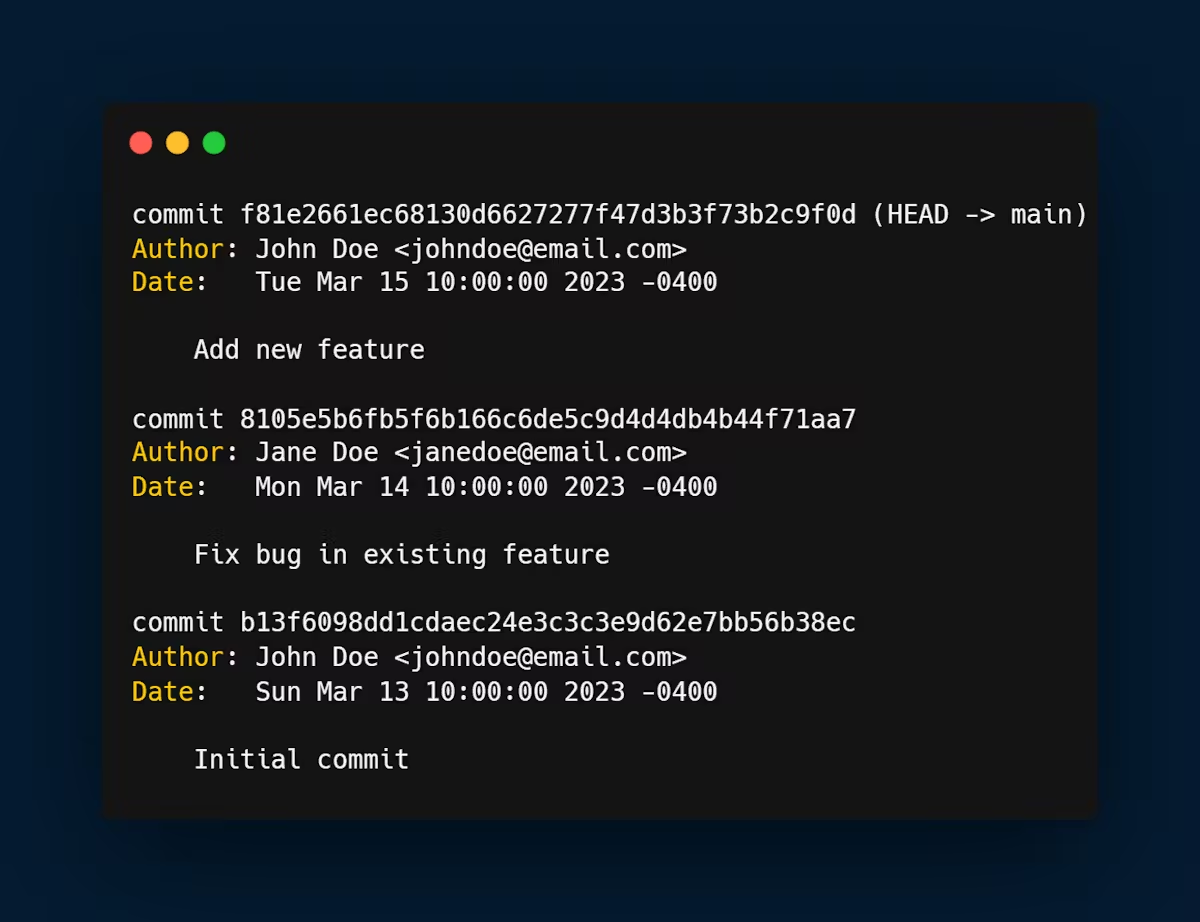
This command displays the commit history of the repository, showing details such as commit messages, authors, and timestamps.
git log
Basic Developer Workflow Using Git
A basic Git workflow for a beginner looks like this:
Create a new project folder and start working on your files in the working directory.
Initialize Git inside the project using
git init.Create new files or modify existing files in the project.
Add the changes to the staging area using
git add ..Save the staged changes into the repository using
git commit -m "Commit message".Repeat the process whenever you make new changes.
Conclusion
Git is an essential tool for every developer as it helps manage code changes and enables smooth collaboration between multiple developers. Learning Git from the beginning builds good development habits and prevents common mistakes while working on real-world projects. Beginners should practice Git regularly on small projects to gain confidence and improve their workflow.
Comments
Join the discussionNo comments yet. Be the first to comment.